

Oct 8, 2026
Best Free Online 3D Viewers in 2026: GLB, STL, OBJ, FBX
Six free ways to open a 3D file without installing much, compared on formats, upload, sign-in and limits, including the TRELLIS.2 browser viewer.
Conseils et tutoriels pour générer des modèles 3D avec trellis-2 et les exporter en GLB.
Six free ways to open a 3D file without installing much, compared on formats, upload, sign-in and limits, including the TRELLIS.2 browser viewer.
Check a generated mesh in the browser before you convert it to STL and send it to a slicer.
Convert a GLB draft to STL in the browser, see which data you keep, and check the triangles before a slicer.
Open a 3MF package in the browser, orbit the mesh, and check what the file does and does not carry before a separate print step.
Drop an FBX file in the browser, orbit the mesh, and see which scene data the preview does and does not show.
Open a GLB file online, including the textured draft this site downloads from one image, and check the estimated sides.
Open a glTF file in the browser, and see why a lone JSON file fails when the buffer or textures were left behind.
Open an OBJ file in the browser, see the mesh without its sidecar materials, and know when to convert from a GLB.
Open a PLY mesh or scan in the browser, including vertex color, and see what a points-only file will not show.
View an STL file online, orbit the triangles, and see why the preview has no color and no print profile.
Turn one photo into a downloadable GLB draft, then inspect the estimated sides before you convert or print.

Compare hosted trials and open-source image-to-3D models without invented rankings, then check current TRELLIS.2 facts and a cost-per-accepted-asset test.
Understand the official TRELLIS.2 requirements, third-party ComfyUI wrapper boundary, installation safety, model verification, workflow structure, and troubleshooting.

A source-based review of the open-weight image-to-3D releases you can run yourself: TRELLIS.2, Hunyuan3D 2.1, TripoSR and Stable Fast 3D, with their licences and hardware.
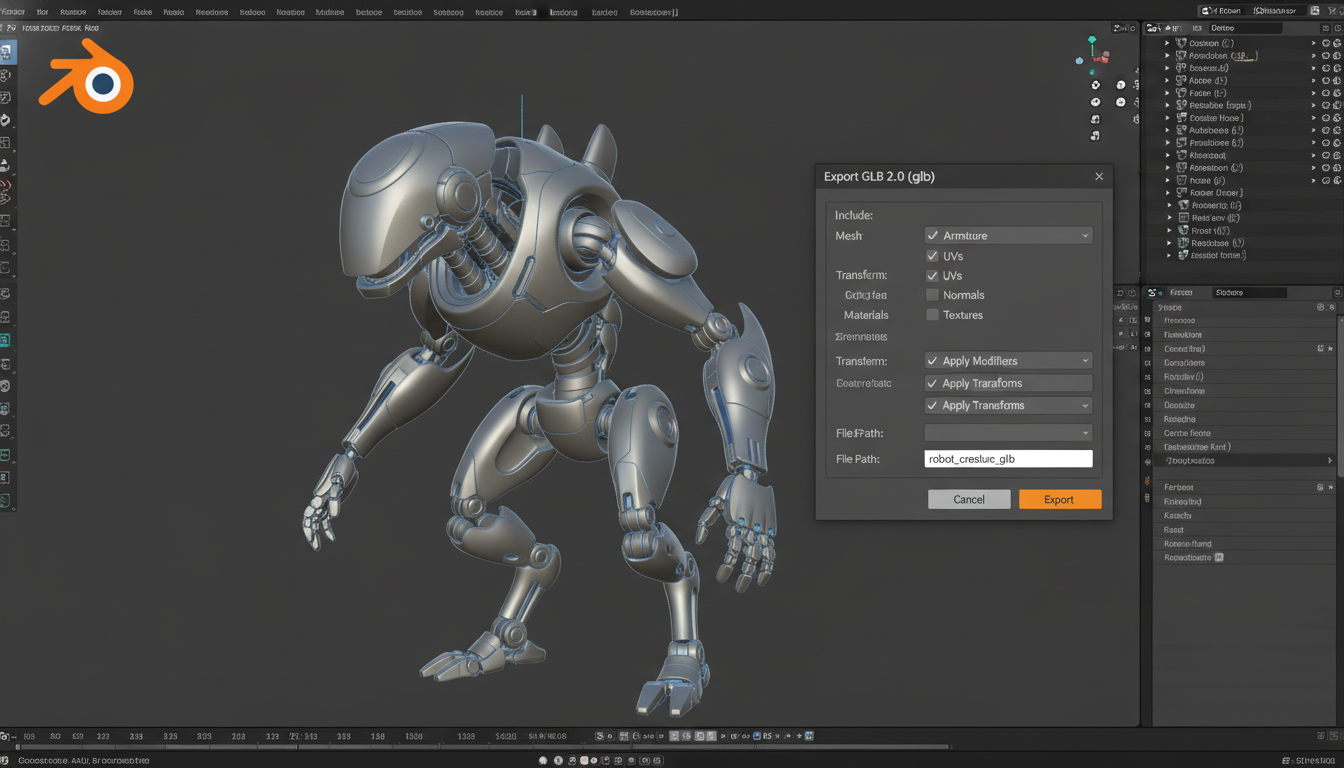
A practical TRELLIS.2-to-Blender workflow for importing the hosted GLB, checking transforms, geometry and PBR materials, cleaning topology, and exporting safely.
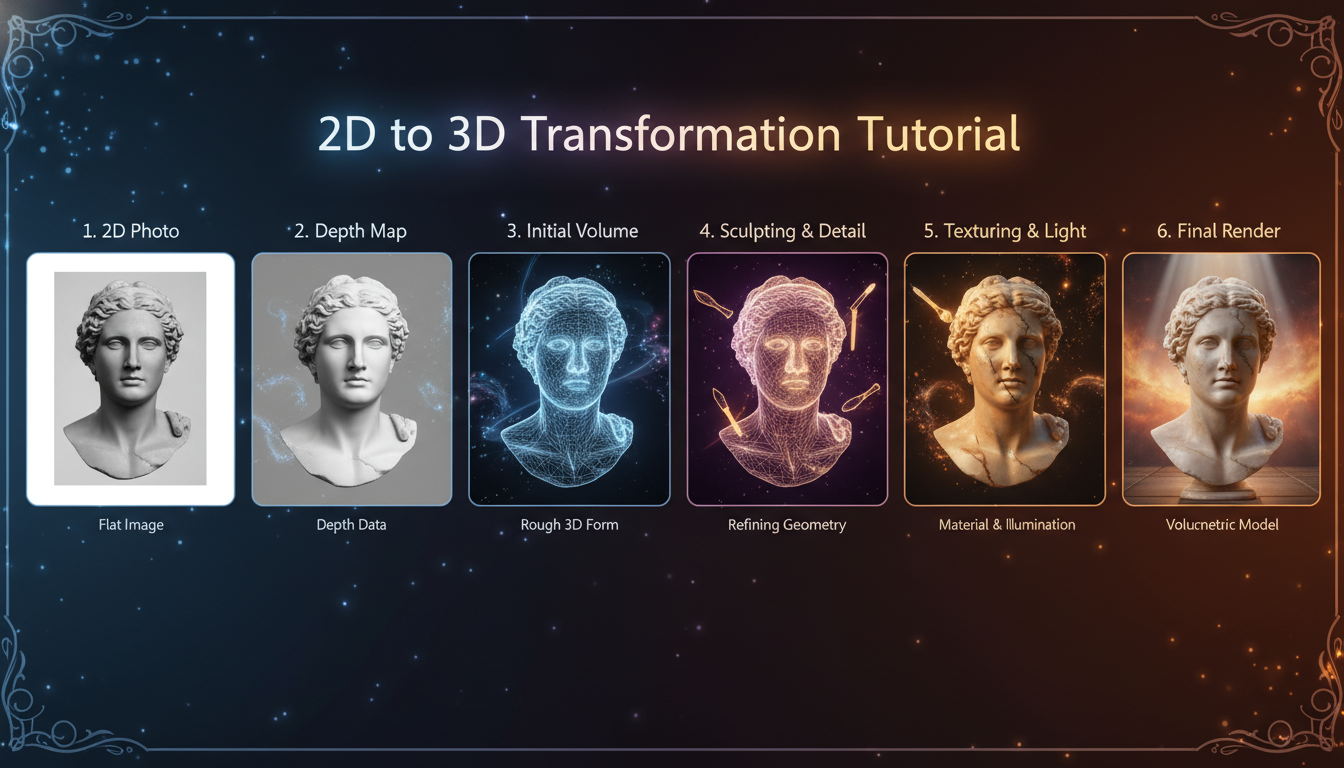
A step-by-step TRELLIS.2 guide covering input selection, 512/1024/1536 credit cost, tracked generation, GLB inspection, failure refunds, and destination-tool validation.
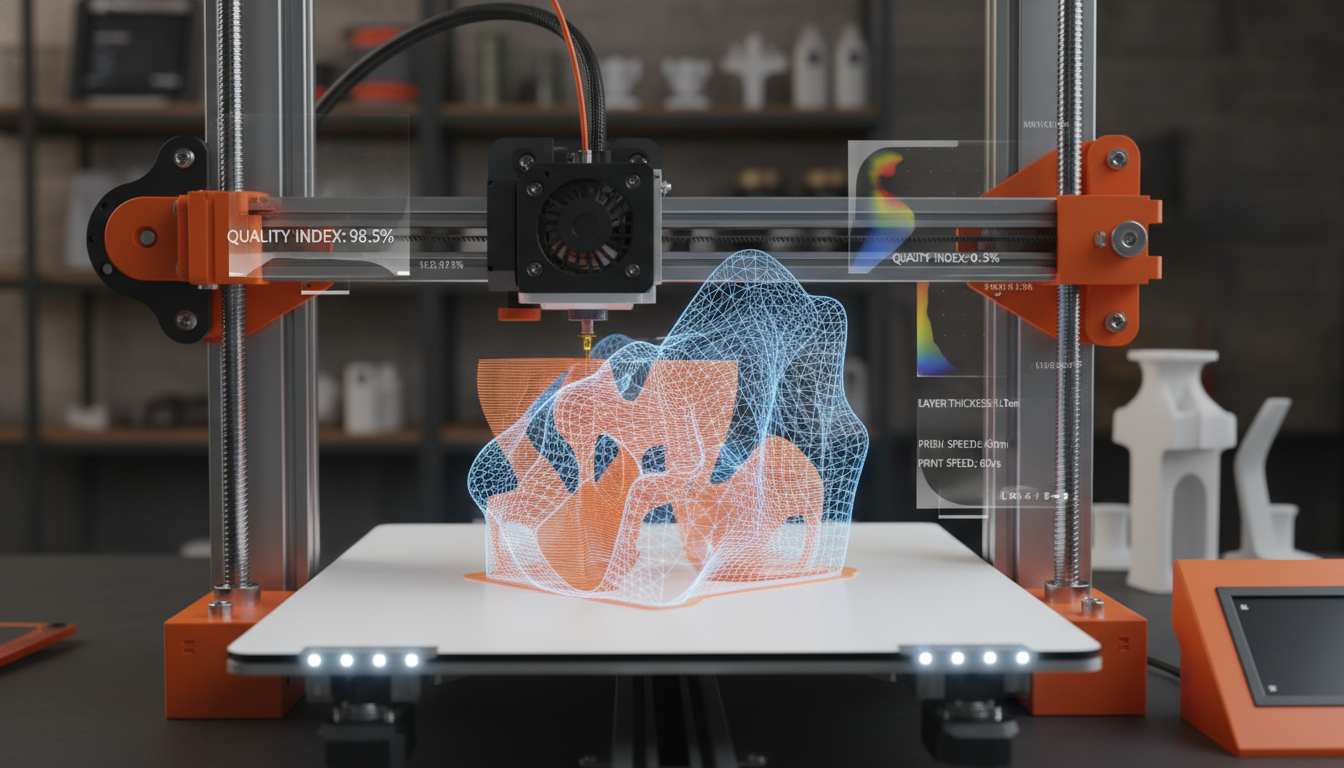
A practical, non-fabricated TRELLIS.2 print-readiness workflow covering manifoldness, holes, normals, wall thickness, scale, STL conversion, slicing, and test prints.
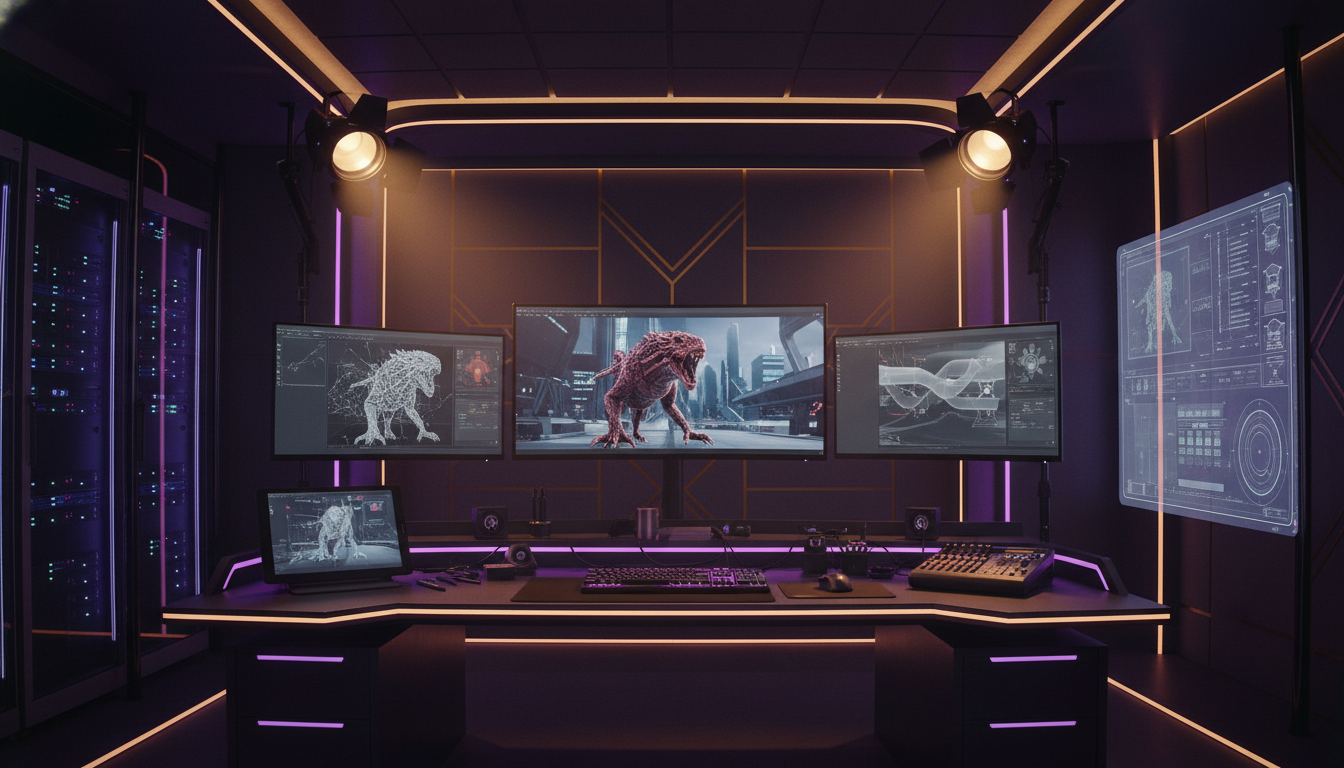
A transparent workflow for evaluating TRELLIS.2 output for VFX, previs, set dressing, and production handoff, without any fabricated artist testimonials.
A truthful five-minute TRELLIS.2 quickstart: sign in, buy credits, start a 512 job, follow live job status, inspect the result, and download a GLB draft.
A practical trellis-2 / trellis 2 / trellis.2 guide: what TRELLIS.2 is, how image-to-3D works, best inputs, key settings, and how to export/import GLB assets.
Oct 8, 2026
Six free ways to open a 3D file without installing much, compared on formats, upload, sign-in and limits, including the TRELLIS.2 browser viewer.
Oct 4, 2026
Check a generated mesh in the browser before you convert it to STL and send it to a slicer.
Oct 4, 2026
Convert a GLB draft to STL in the browser, see which data you keep, and check the triangles before a slicer.
Oct 4, 2026
Open a 3MF package in the browser, orbit the mesh, and check what the file does and does not carry before a separate print step.
Oct 4, 2026
Drop an FBX file in the browser, orbit the mesh, and see which scene data the preview does and does not show.
Oct 4, 2026
Open a GLB file online, including the textured draft this site downloads from one image, and check the estimated sides.
Oct 4, 2026
Open a glTF file in the browser, and see why a lone JSON file fails when the buffer or textures were left behind.
Oct 4, 2026
Open an OBJ file in the browser, see the mesh without its sidecar materials, and know when to convert from a GLB.
Oct 4, 2026
Open a PLY mesh or scan in the browser, including vertex color, and see what a points-only file will not show.
Oct 4, 2026
View an STL file online, orbit the triangles, and see why the preview has no color and no print profile.
Oct 4, 2026
Turn one photo into a downloadable GLB draft, then inspect the estimated sides before you convert or print.

Jan 27, 2026
Compare hosted trials and open-source image-to-3D models without invented rankings, then check current TRELLIS.2 facts and a cost-per-accepted-asset test.

Jan 27, 2026
Understand the official TRELLIS.2 requirements, third-party ComfyUI wrapper boundary, installation safety, model verification, workflow structure, and troubleshooting.

Jan 27, 2026
A source-based review of the open-weight image-to-3D releases you can run yourself: TRELLIS.2, Hunyuan3D 2.1, TripoSR and Stable Fast 3D, with their licences and hardware.

Jan 27, 2026
A practical TRELLIS.2-to-Blender workflow for importing the hosted GLB, checking transforms, geometry and PBR materials, cleaning topology, and exporting safely.

Jan 27, 2026
A step-by-step TRELLIS.2 guide covering input selection, 512/1024/1536 credit cost, tracked generation, GLB inspection, failure refunds, and destination-tool validation.

Jan 27, 2026
A practical, non-fabricated TRELLIS.2 print-readiness workflow covering manifoldness, holes, normals, wall thickness, scale, STL conversion, slicing, and test prints.

Jan 27, 2026
A transparent workflow for evaluating TRELLIS.2 output for VFX, previs, set dressing, and production handoff, without any fabricated artist testimonials.
Jan 27, 2026
A truthful five-minute TRELLIS.2 quickstart: sign in, buy credits, start a 512 job, follow live job status, inspect the result, and download a GLB draft.

Dec 18, 2025
A practical trellis-2 / trellis 2 / trellis.2 guide: what TRELLIS.2 is, how image-to-3D works, best inputs, key settings, and how to export/import GLB assets.